Venue checklist

Photo booth venue checklist: space, access and electricity

A reliable setup needs measured space, a stable nearby socket, protected cables, a clear loading route and an indoor alternative for outdoor plans.
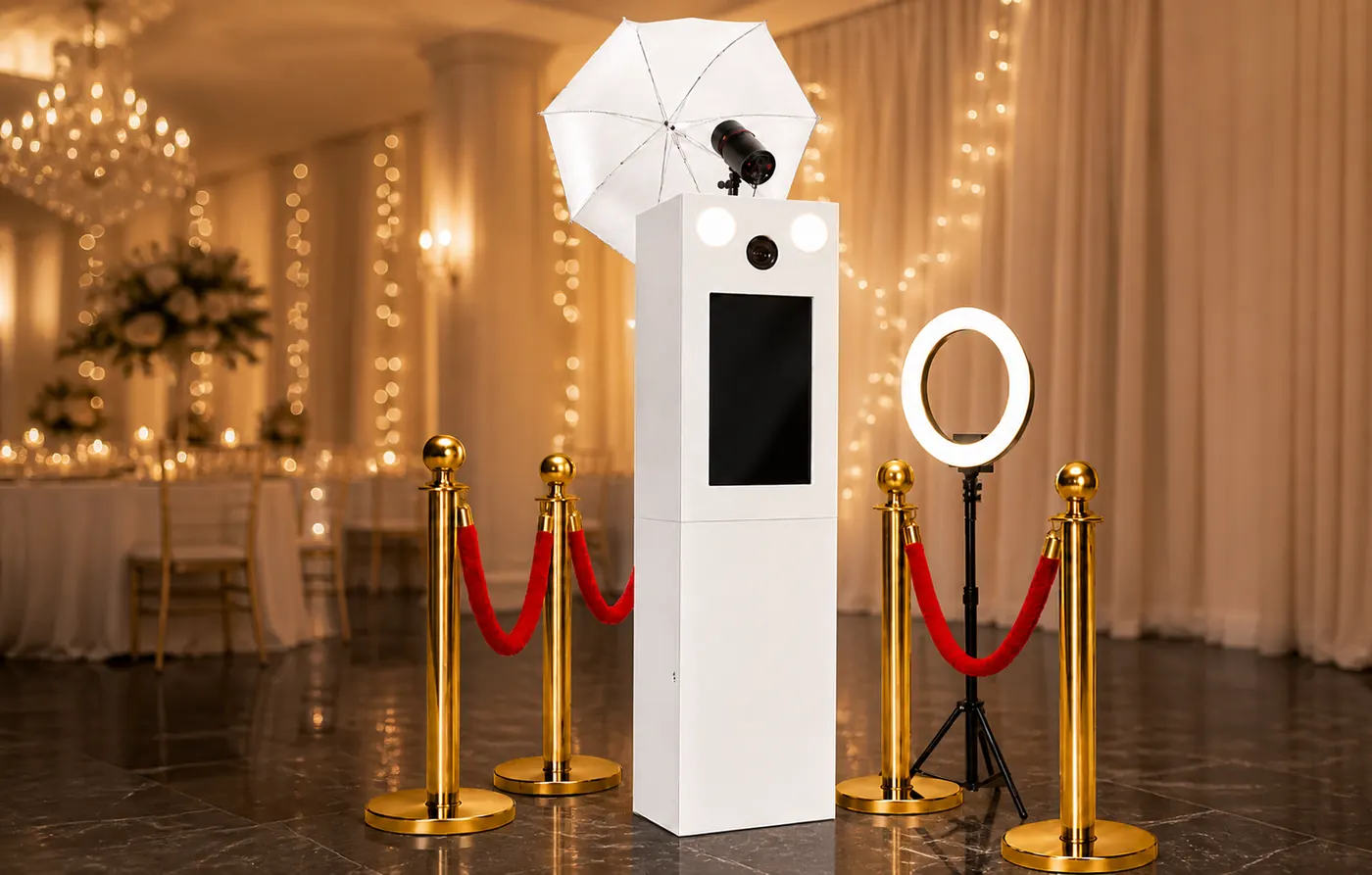
Photo booth venue checklist: space, access and electricity · TxokoFoto
A real image from TxokoFoto equipment and events.

The key points

The printer, computer, flash and lights all consume power. The booth also needs photographic distance, room for groups, a small waiting area and space for the album or props.

How to plan it

Confirm the date, venue, access route, available area, power supply and event timetable before the final setup is approved. Those details determine transport, positioning, lighting and guest flow.

Practical checklist

  • Send measurements and photographs of the position.
  • Test or confirm the power circuit with the venue.
  • Keep emergency exits and staff routes free.

The TxokoFoto approach

TxokoFoto coordinates arrival with the venue, transports the booth and supporting equipment, assembles and tests everything before opening, and remains attentive to printing and the guest experience.

The main idea

A reliable setup needs measured space, a stable nearby socket, protected cables, a clear loading route and an indoor alternative for outdoor plans.

Frequently asked questions

What should be confirmed before booking?

Date, exact venue, access, operating time, space, power, included elements, printing and digital delivery should appear clearly in the proposal.

Can the service be adapted to the event?

Yes. Backdrop, props, print artwork, album and delivery can be prepared around the venue, audience and visual style.

Does the photo booth need electricity?

Yes. The computer, professional printer, flash and lights require a nearby stable socket, with protected cables outside guest routes.